
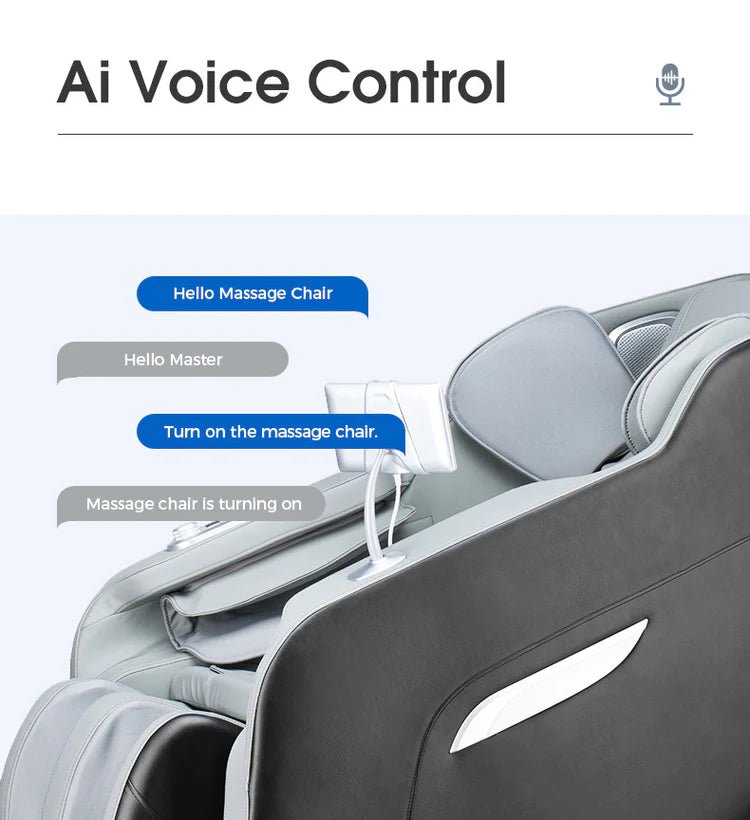
A bluetooth massage chair usually lets you connect a phone, tablet, or other compatible device to the chair’s built-in speakers. The main purpose is simple: you can listen to music, podcasts, audiobooks, meditation tracks, or ambient sounds while using the massage functions.
Bluetooth can make a massage session feel more private and immersive, but it does not automatically mean the chair delivers a better massage. Its value depends on how you plan to use the chair, where it will sit in your home, and whether the audio system is implemented well.
Some models also use Bluetooth for app-based controls, although this is less universal than audio streaming. Before treating Bluetooth as a must-have feature, it helps to understand what it does, what it does not do, and when it is worth paying for.
What Bluetooth Does on a Massage Chair
In most cases, Bluetooth on a massage chair works like Bluetooth on a wireless speaker. You pair a nearby device with the chair, select audio on your device, and the chair plays that sound through its speakers.
A massage chair with bluetooth may place speakers near the headrest, shoulders, or upper back. This positioning allows the sound to stay close to the user without requiring headphones. Depending on the model, the speakers may be integrated into the chair’s side panels, headrest, or shoulder area.
Bluetooth features can also vary by chair. The product description should make clear whether the connection is intended for audio, mobile-app operation, or both.
Bluetooth audio streaming
This is the most common use. After pairing, you can stream:
- Music playlists
- Podcasts and audiobooks
- Guided breathing or meditation sessions
- Nature sounds or white noise
- Relaxation recordings
- Audio from a television, provided the TV supports compatible Bluetooth output
The chair does not need a special massage program for this feature to work. Your phone or other source device handles the content; the chair functions as the speaker system.
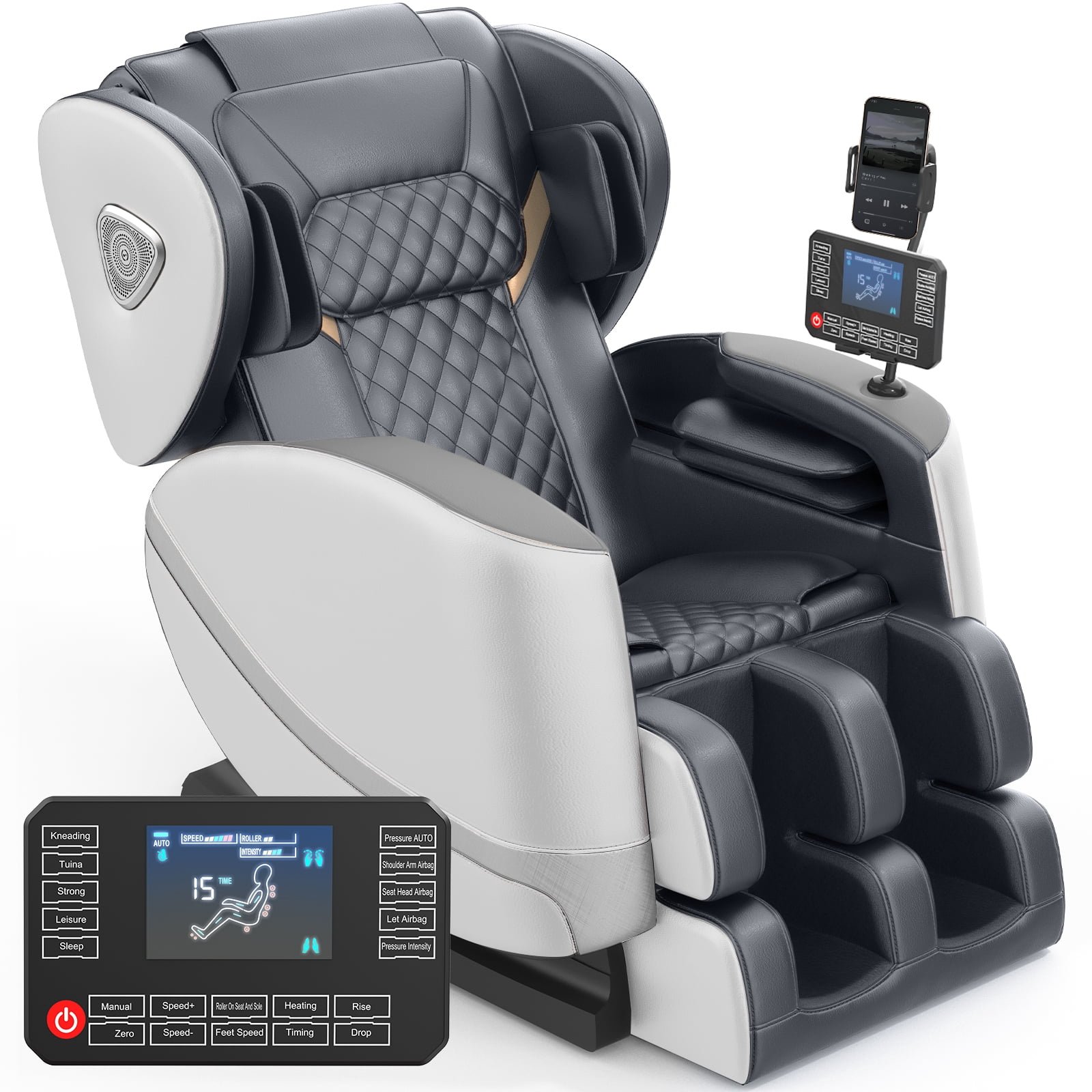
Bluetooth app connectivity
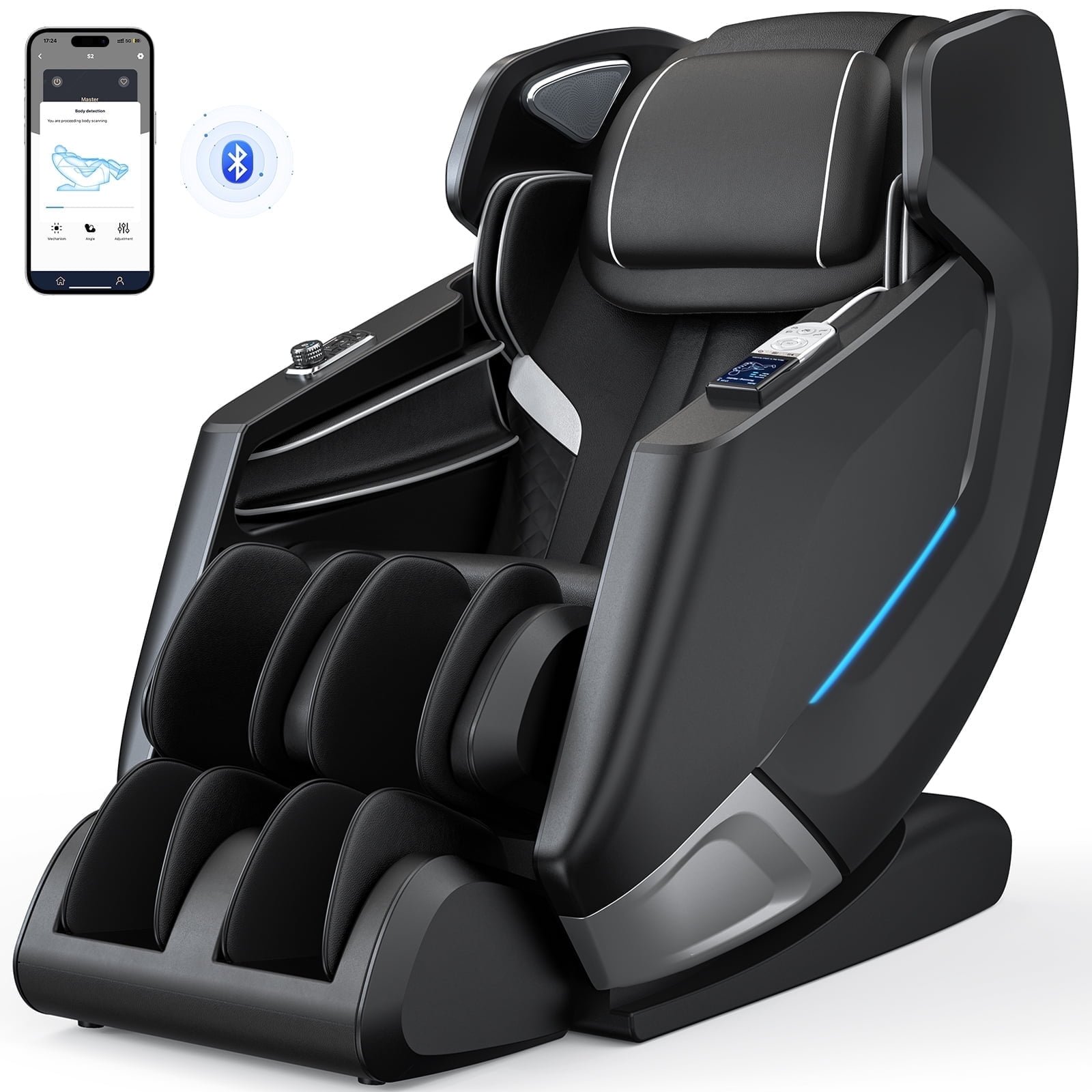
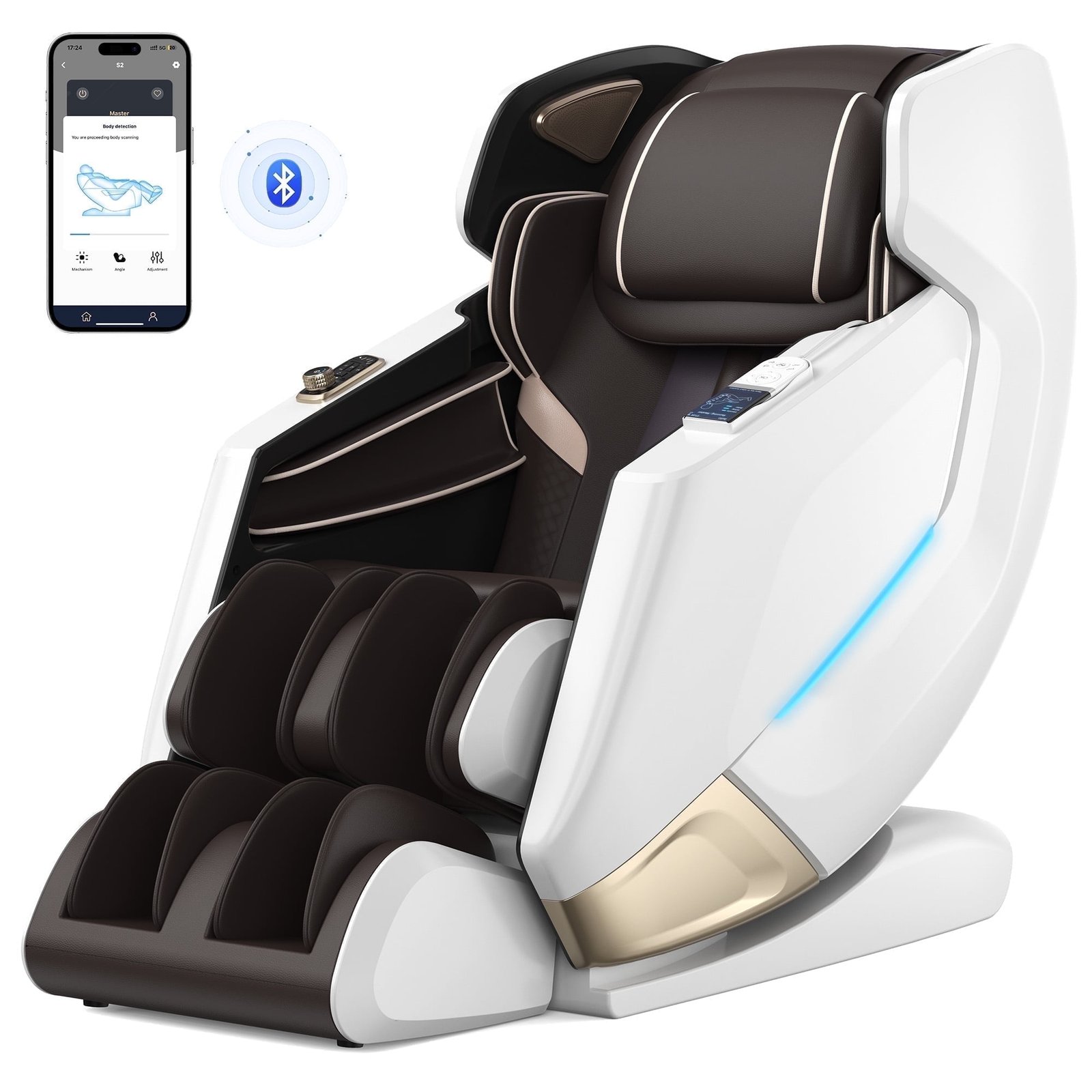
A smaller group of chairs can connect to a manufacturer’s app. The app may provide an alternative way to choose massage programs, adjust intensity, save preferred settings, or access guided routines.
However, app control is not guaranteed just because a chair has Bluetooth speakers. A listing that says “Bluetooth enabled” may refer only to audio playback. If app-based control matters to you, look for explicit language such as “app control,” “mobile control,” or “Bluetooth control app,” and verify which functions the app actually supports.
What Bluetooth does not change
Bluetooth is a convenience and entertainment feature. It does not determine the quality of the massage mechanism, the precision of the rollers, the strength of air compression, the range of recline, or how well the chair fits your body.
It also should not be confused with a medical feature. Music or calming audio may help some people create a more relaxing routine, but a massage chair is not a replacement for medical evaluation, diagnosis, or treatment.
Why Audio Can Improve the Massage Chair Experience
A massage chair is often used during quiet downtime: after work, before bed, after exercise, or while taking a break from screens. In these situations, built-in audio can reduce the need for separate speakers, headphones, or a device placed on a nearby table.
The benefit is not necessarily high-fidelity sound. Most chair speakers are designed for personal listening at close range, not for filling a large room with detailed audio. What matters more is convenience, clear sound at a comfortable volume, and a listening experience that does not distract from the massage.
It creates a more self-contained relaxation space
When speakers are close to the user, you can listen at a lower volume than you might use with a room speaker. This can be useful in shared homes, provided the chair’s sound does not carry through thin walls or open spaces.
A chair that combines massage, recline, and audio can also make it easier to keep a routine. Instead of setting up several devices, you can sit down, choose a program, start a playlist, and leave the rest of the room unchanged.
It can make timed sessions feel more intentional
Many people use massage chairs for sessions of a set length. A podcast chapter, a short playlist, or a guided audio track can give that time a clear beginning and end. This is especially useful for users who find themselves checking their phone repeatedly while trying to unwind.
That said, the benefit comes from the routine rather than Bluetooth itself. If you already have a preferred speaker setup, the chair’s integrated speakers may add little value.
When a Bluetooth Massage Chair Is Worth It
Bluetooth is worth prioritizing when it solves a real problem in your space or routine. It tends to matter more for frequent users than for someone who expects to use the chair only occasionally.
Credit: walmart.com
You want to avoid wearing headphones
Headphones can be uncomfortable against a headrest, interfere with positioning, or shift when the chair reclines. Over-ear headphones may press between your head and the chair cushion, while wired headphones create another cable to manage around moving parts.
Built-in speakers offer a simple alternative. They are especially practical if you use the chair in a reclined position and prefer not to hold or wear anything during a session.
The chair will be in a bedroom, office, or personal room
A Bluetooth-equipped chair makes the most sense in a space where you want personal entertainment without adding another speaker system. In a home office, for example, it can be convenient for listening to quiet music after work. In a bedroom, it may support a wind-down routine without requiring a TV or tabletop speaker.
In a busy family room, the advantage may be smaller. Household conversations, television sound, and activity can compete with the chair speakers. A dedicated sound system may still be more useful for the room as a whole.
You regularly use guided audio
People who rely on meditation apps, breathwork recordings, sleep stories, language lessons, or audiobooks may get more use from a massage chair bluetooth feature than people who mainly sit in silence.
For this type of user, speaker placement and volume control can matter as much as the presence of Bluetooth. A feature that pairs easily but sounds thin or cannot be heard over the chair’s mechanical noise may be disappointing.
You want fewer accessories around the chair
Massage chairs can already require a substantial footprint, clearance for recline, and access to a wall outlet. Integrated speakers reduce the need for a separate Bluetooth speaker, charging cable, or stand beside the chair.
This can be helpful in smaller rooms, although it does not eliminate the need to keep your phone charged and within Bluetooth range.
When Bluetooth Is Not a Priority
Bluetooth is often marketed as a premium extra, but it should not outweigh core comfort and massage features. You may be better off choosing a chair with stronger fundamentals if Bluetooth raises the price or forces compromises elsewhere.
You already have a better audio setup
If the chair will sit near quality speakers, a soundbar, or a television, built-in speakers may be redundant. Your existing system may also provide clearer sound, stronger bass, easier controls, and better room coverage.
You prefer quiet sessions
Some users find the chair’s own movement sounds unobtrusive and prefer to relax without music or spoken audio. Others may use the time to rest their eyes, breathe quietly, or simply take a break from notifications.
If this sounds like your preferred use, Bluetooth is unlikely to influence your satisfaction with the chair.
You are choosing between Bluetooth and core chair features
Do not choose a less suitable chair solely for wireless audio. First evaluate the features that affect comfort and massage performance:
- Whether the seat width, shoulder area, and leg section suit your body size
- The massage coverage offered by the rollers and air cells
- Available intensity settings and whether they feel adjustable enough for your preferences
- Recline range, zero-gravity-style positioning if offered, and footrest extension
- Ease of reaching and understanding the remote or control panel
- Room dimensions, doorway access, and the chair’s required wall clearance
- Upholstery, build quality, service availability, and warranty terms
A chair that fits poorly or lacks the massage functions you want will not become a good long-term purchase because it has speakers.
Bluetooth Audio Versus Other Massage Chair Controls
Marketing terms can make chair technology seem more connected than it is. Bluetooth, wireless remotes, voice commands, touchscreens, and mobile apps are separate features. A chair may include one without the others.
| Feature | Typical purpose | What to verify |
|---|---|---|
| Bluetooth speakers | Streams sound from a phone or other device | Speaker location, volume, pairing process, and sound controls |
| Bluetooth app connection | May adjust chair settings through a mobile app | Supported devices, app availability, and which settings the app can change |
| Remote control | Operates massage programs and adjustments | Button layout, readability, wired or wireless design, and storage location |
| Voice control | Starts or changes selected functions using spoken commands | Available commands, language support, and whether internet access is required |
| USB charging port | Charges a phone or small device | Port location and whether it is intended for charging rather than audio |
When comparing models, read the feature list closely rather than assuming all “smart” features work together. For example, a USB port does not necessarily allow music playback, and Bluetooth speakers do not necessarily allow the chair to be controlled from a phone.
What to Check Before Buying a Massage Chair With Bluetooth
The best way to assess Bluetooth is to treat it as one part of the chair’s overall usability. Product pages sometimes mention the feature briefly without explaining the details that affect daily use.
Credit: walmart.com
Speaker placement
Speakers positioned near the headrest or shoulders generally provide a more direct listening experience than speakers mounted lower on the chair. Placement also affects whether sound reaches other people in the room.
If possible, inspect product images closely. Look for visible speaker grilles near the upper body area and consider whether the headrest padding might cover or muffle them.
Volume and independent controls
Find out how the volume is adjusted. Some chairs rely entirely on the phone’s volume control, while others include buttons or remote settings. Independent controls can be useful when your device is not within reach after the chair reclines.
Also consider whether the chair makes operational sounds that may compete with audio. A chair can have Bluetooth speakers and still be less enjoyable for spoken-word content if motor or air-pump noise is noticeable.
Pairing simplicity
A good Bluetooth connection should be easy to start and reconnect. Check the manual or product information for basic pairing instructions when available. Ideally, the chair should be identifiable in your device’s Bluetooth menu and reconnect without a lengthy setup process.
Remember that Bluetooth normally works best when your phone remains nearby. Walls, large objects, and interference from other wireless devices can affect the connection in some homes.
Compatibility with your devices
Most current smartphones and tablets can connect to standard Bluetooth audio devices. Still, compatibility is worth checking if you plan to use an older phone, a television, a dedicated music player, or a specific streaming device.
Television connections deserve extra attention. Some TVs support Bluetooth output, while others support Bluetooth only for certain accessories or do not offer it at all. If TV listening is important, confirm the TV’s capabilities separately from the chair’s.
Power and placement limitations
Bluetooth is wireless between the device and the chair, but the chair itself still requires power. Plan for a suitable outlet and follow the manufacturer’s electrical instructions. Avoid routing cords where they can be pinched by reclining parts, walked on, or strained when the chair moves.
Room layout still matters as well. A chair may need clearance behind it to recline, unless it is specifically designed for close wall placement. Measure the chair, the installation path, and the available floor space before ordering.
Using Bluetooth Safely and Comfortably
Bluetooth audio is straightforward, but a few habits can make it less frustrating and more considerate for others in the home.
- Turn on the chair and activate its Bluetooth or audio mode according to the manual.
- Open Bluetooth settings on your phone or other source device.
- Select the chair from the list of available devices.
- Confirm pairing if your device requests it.
- Start with a low volume, then adjust gradually.
- Place the device somewhere stable and accessible before reclining.
- Disconnect or turn off Bluetooth when finished if you do not want the device to reconnect automatically later.
Keep the volume at a comfortable level, particularly with speakers close to your ears. If you use the chair late at night or in a shared space, choose quieter content and test how much sound carries beyond the chair.
Do not place a phone, tablet, charging cable, or other item in gaps around the moving footrest, backrest, or side mechanisms. Follow the manufacturer’s guidance on safe use, supervision around children and pets, and cleaning around electronic components.
Common Bluetooth Problems and Simple Fixes
Most issues with a Bluetooth massage chair are related to pairing, device selection, or distance rather than a fault in the massage system.
Credit: walmart.com
The chair does not appear in the Bluetooth list
- Make sure the chair is powered on and its Bluetooth mode is active.
- Move the phone closer to the chair.
- Turn Bluetooth off and back on through the phone’s settings.
- Check whether the chair is already connected to another nearby device.
- Restart the phone and the chair if the manual permits it.
The phone connects, but no sound plays
- Confirm that the chair is selected as the audio output on the phone.
- Raise the volume on both the phone and the chair, if separate controls exist.
- Pause and restart the audio source.
- Try another app or audio file to rule out an app-specific issue.
- Forget the chair in Bluetooth settings and pair it again.
The sound cuts out or reconnects to the wrong device
Keep the source device close to the chair, reduce interference from other Bluetooth devices where possible, and check whether another family member’s phone has automatically connected. If the issue continues, consult the chair manual or contact the manufacturer’s support team. Avoid opening panels or attempting electrical repairs yourself.
FAQ
Can Bluetooth speakers be added to a massage chair that does not include them?
Yes, you can place a separate Bluetooth speaker near the chair, but it will not be integrated into the upholstery or controls. Choose a stable location away from reclining and footrest mechanisms, and avoid placing the speaker where it blocks ventilation or creates a trip hazard.
Does Bluetooth work while every massage program is running?
Usually, audio playback is separate from the massage program, so it can continue while the chair massages and reclines. Exact behavior varies by model, so check the manual if you want to use audio with a particular automatic program.
Will a Bluetooth massage chair connect to two phones at the same time?
Many Bluetooth speaker systems accept one active audio connection at a time. Some may remember several previously paired devices, but that does not always mean they can play from two devices simultaneously. Check the manufacturer’s documentation for multipoint support.
Can I take phone calls through the chair’s Bluetooth speakers?
It depends on whether the chair includes a microphone and supports hands-free calling. Many models are designed only for audio output, so callers may be heard through the speakers while you still need to speak into your phone. Do not assume calling capability without confirmation.
Is Bluetooth worth paying extra for on a massage chair?
It is worth the extra cost when you will use audio often, dislike headphones, and do not already have a convenient speaker setup nearby. If budget is limited, prioritize body fit, massage coverage, adjustability, comfort, space requirements, and reliable support before choosing Bluetooth as an upgrade.